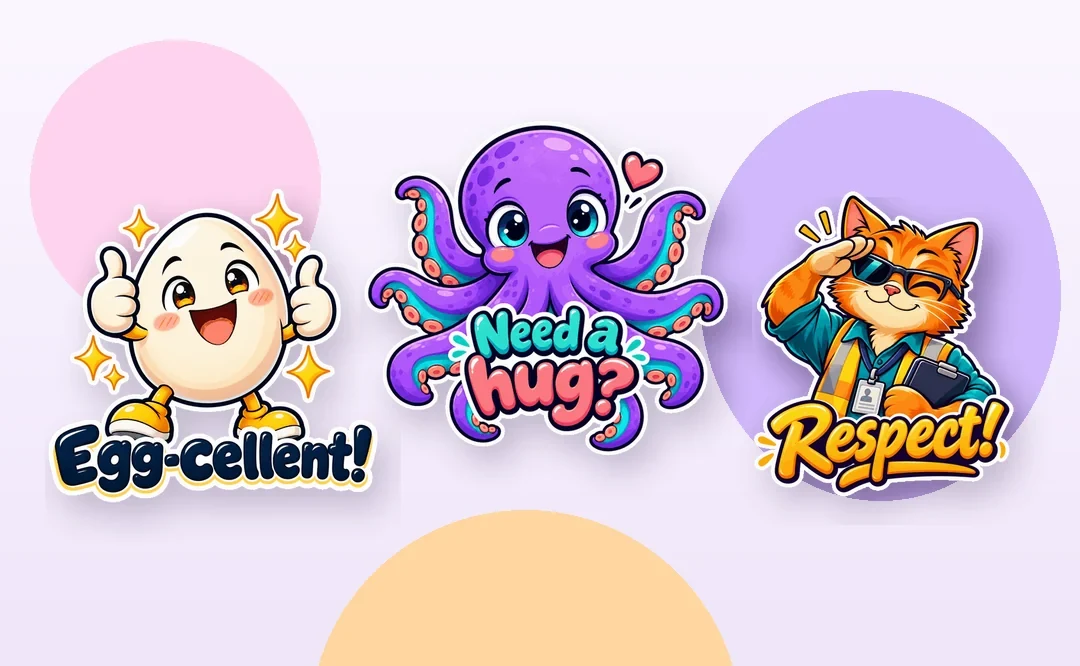
9 STICKERS TO SHARE
Fresh stickers every day
A new drop, a new way to express yourself. Get your free stickers and bring more
personality to every chat.
✦ FREE✦ 9 stickers✦ New drops daily
Unlock today’s free sticker drop and share it instantly with the
MyStickers keyboard across your favorite social apps.

⚡ Get the free Daily Stickers in 30 seconds
- 1Install MyStickers
- 2Get your pack
- 3Share everywhere
Ready to use in your chats and social conversations.
How to open the MyStickers keyboard
Set it up once, then access your stickers directly from your keyboard.
- Download MyStickersInstall the app from the App Store.
-
Add the keyboardGo to Settings → General → Keyboard → Keyboards → Add
New Keyboard → MyStickers.
- Enable accessSwitch on the access required to use MyStickers.
-
Open it in a chatTap and hold the globe key 🌐, then select MyStickers.
- Download MyStickersInstall the app from Google Play.
-
Enable the keyboardIn your phone's keyboard settings, enable
MyStickers.
-
Choose your input methodSelect MyStickers as your active keyboard.
-
Open it in a chatOpen a chat and use the keyboard / input method
switcher to select MyStickers.
Menu names can vary by phone model and software version. Only enable keyboard permissions
you understand and trust.
 MyStickers